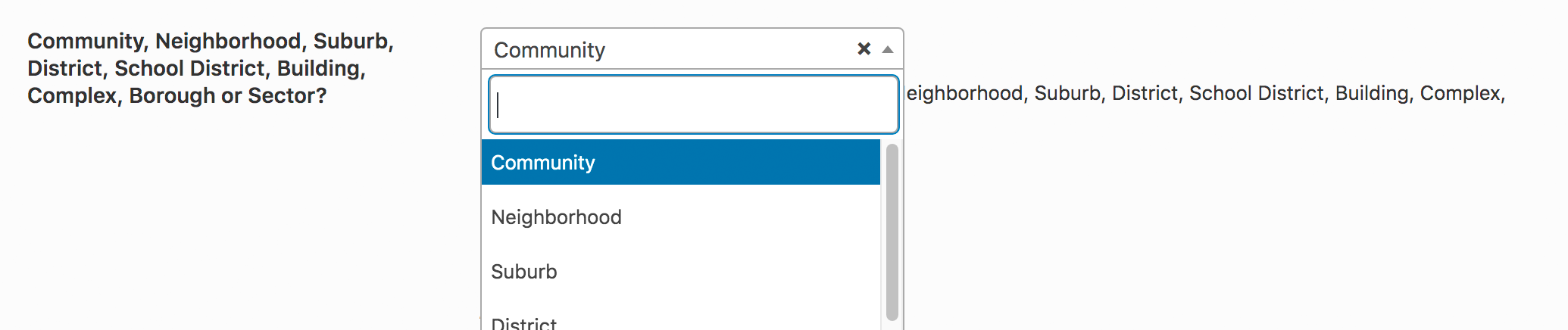
These are super simple to set up and are great for Community, Neighborhood, Suburb, District, School District, Building, Complex, Borough or Sectors.
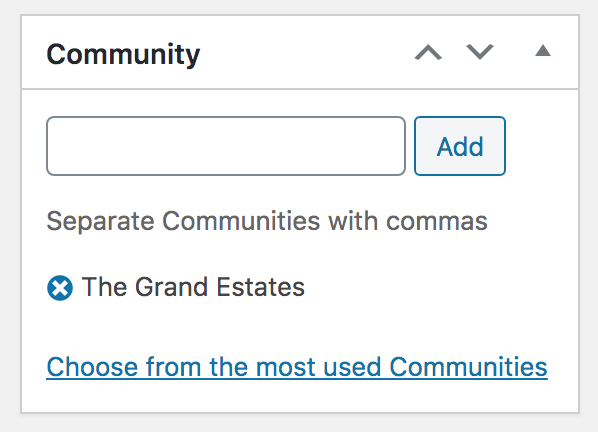
- When creating or editing a listing find the “Community” taxonomy on the bottom right-hand side (pictured below).
- Enter the “Community” name
- Publish or Update your Listing
Once you have multiple listings all with the same “Community” name those will now be grouped and appear as Sub Listings on each individual single listing view.
Labeling Options
You can also choose the name of said taxonomy, via Real Estate 7 Options > Listings > Community, Neighborhood, Suburb, District, School District, Building, Complex, Borough, or Sector?