If you’re running our IDX please refer to its documentation the below does not apply.
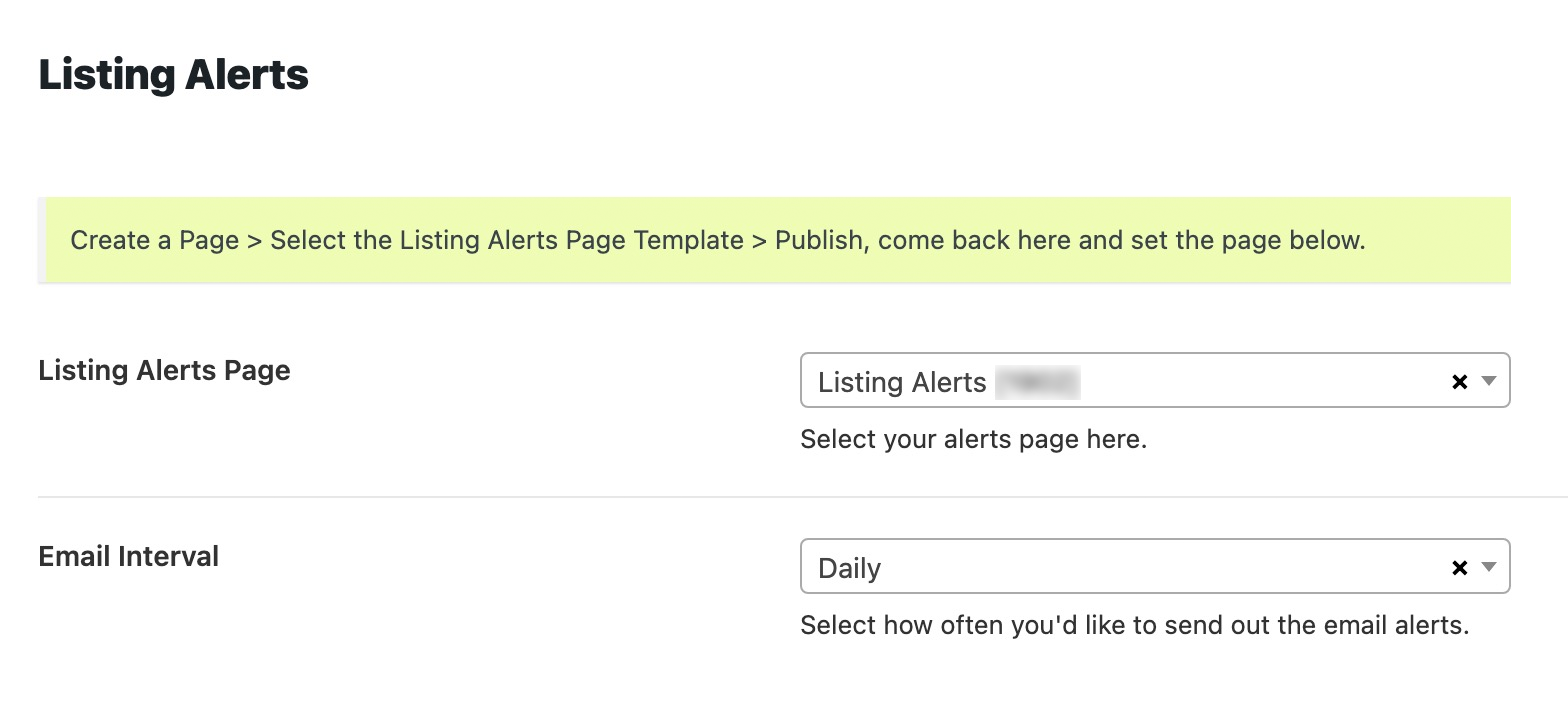
Once you’ve activated the Contempo Saved Searches & Email Alerts plugin, you’ll need to do a little bit of setup.
1. Plugin Installation
- Go into Admin > Appearance > Install Plugins
- Find “Contempo Saved Searches & Email Alerts”
- Install & Activate
2. Page Creation
- Go into Admin > Pages
- Add New
- Name this “Listing Alerts”
- Find the Page Templates dropdown > select “Listing Alerts”
- Configure any other options like header image, etc…
- Publish
3. Settings Configuration
- Go into Admin > Real Estate 7 Options > Listing Alerts
- Select the page you just created under “Listing Alerts Page”
- Set the interval you’d like under “Email Interval”
- Save, and you’re all set there.