This is due to your lang file being out of date, we recommend using the Loco Translate plugin, and the following steps:
- Go into Loco Translate > Settings > find “Skip PHP files larger than” > set to 800k or more (screenshot) > Save Settings
- After that go into Loco Translate > Plugins > Contempo Real Estate Core > Edit Template > Sync > Save > click your browser back button > find your language > click Sync again > Save and you’ll have all the updated strings
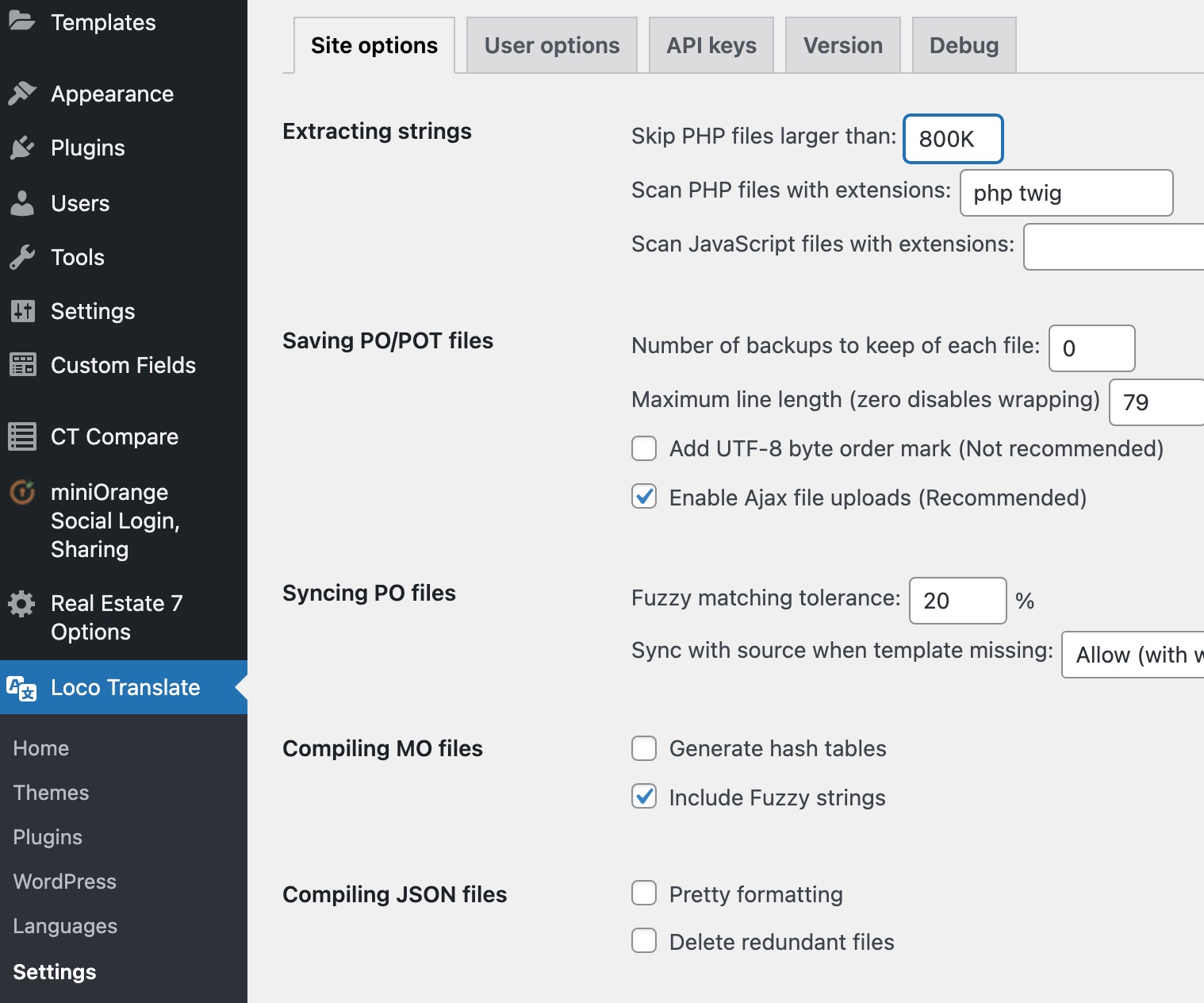
This process also applies to the Real Estate 7 theme itself, and any other active plugins.
Make sure you’re doing any new translations via the child theme https://localise.biz/wordpress/plugin/child-themes