It’s super easy to migrate your WordPress website to Cloudways using the WordPress Migration Plugin they supply to all of their customers.
Before migrating your website to Cloudways, there are a few prerequisites:
- A Cloudways account is required, you’ll choose WordPress as your application, a 2GB Server with Digital Ocean (4GB Recommended), and the Location nearest you (screenshot).
- You must have admin access to your existing WordPress website.
- You need to set up your Cloudways Server & Application

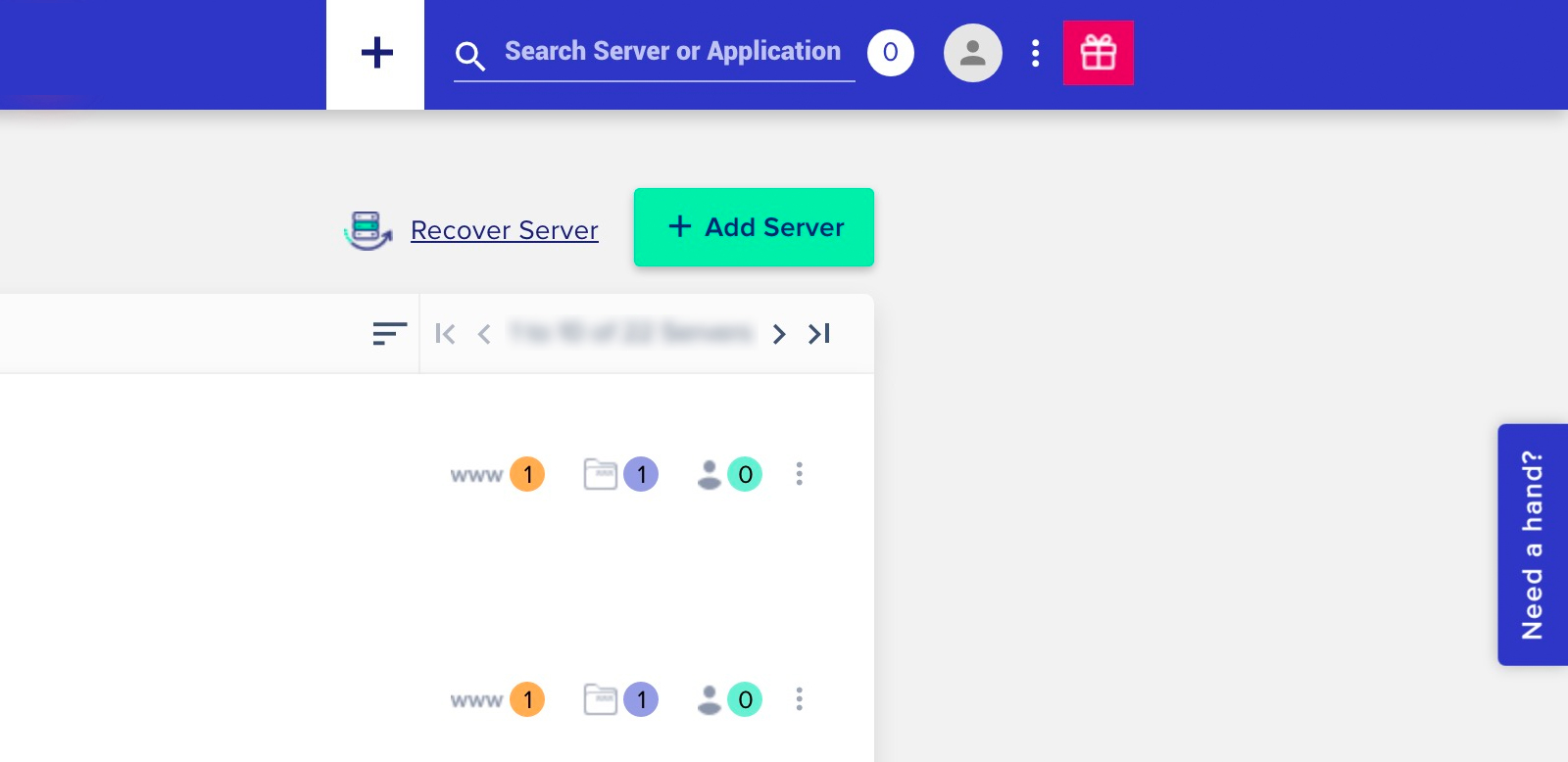
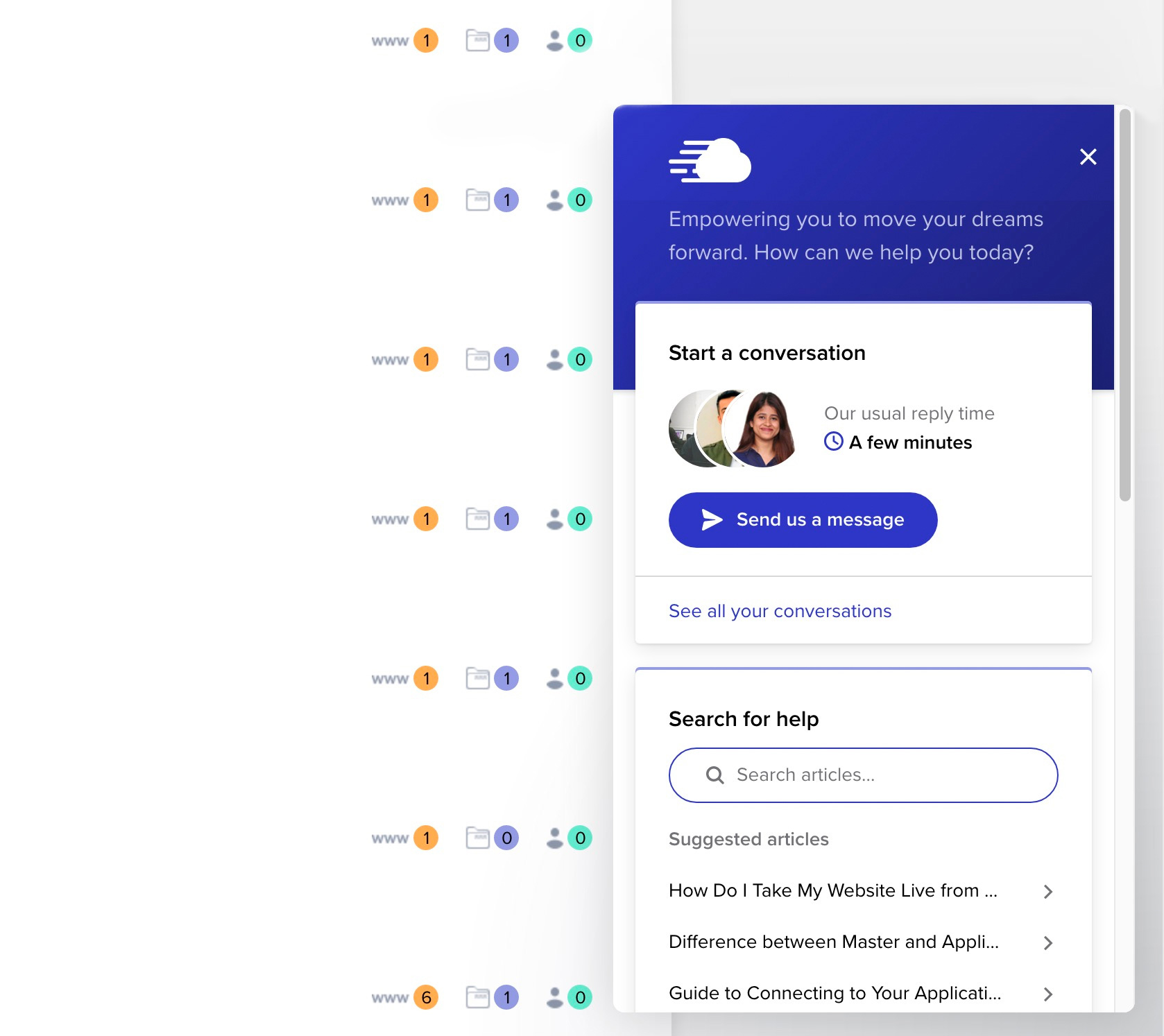
Next, you need to install Cloudways WordPress Migrator Plugin on your existing WordPress installation on your old hosting provider, for more on that process we recommend this step-by-step article. If you need any help, feel free to search your query on Cloudways Support Center or contact them via live chat when logged into your Cloudways Dashboard > Need a Hand (screenshot) > Send us a Message (screenshot).
If you’re not running Cloudways hosting, it’s not required but we do recommend it. It’s excellent, easily scalable if needed, very fast, the same platform our demos and IDX Hosted plans are on, free migration, and great customer support. You can spin up a 2GB server from them starting at $22/month, and we also have a coupon code for 20% off your first 2 months use “CONTEMPO20”.