If you’re running our IDX please refer to its documentation the below does not apply.
The Contempo Compare Listings plugin is automatically installed during the setup wizard but does require a little bit of setup.
1. Settings Configuration
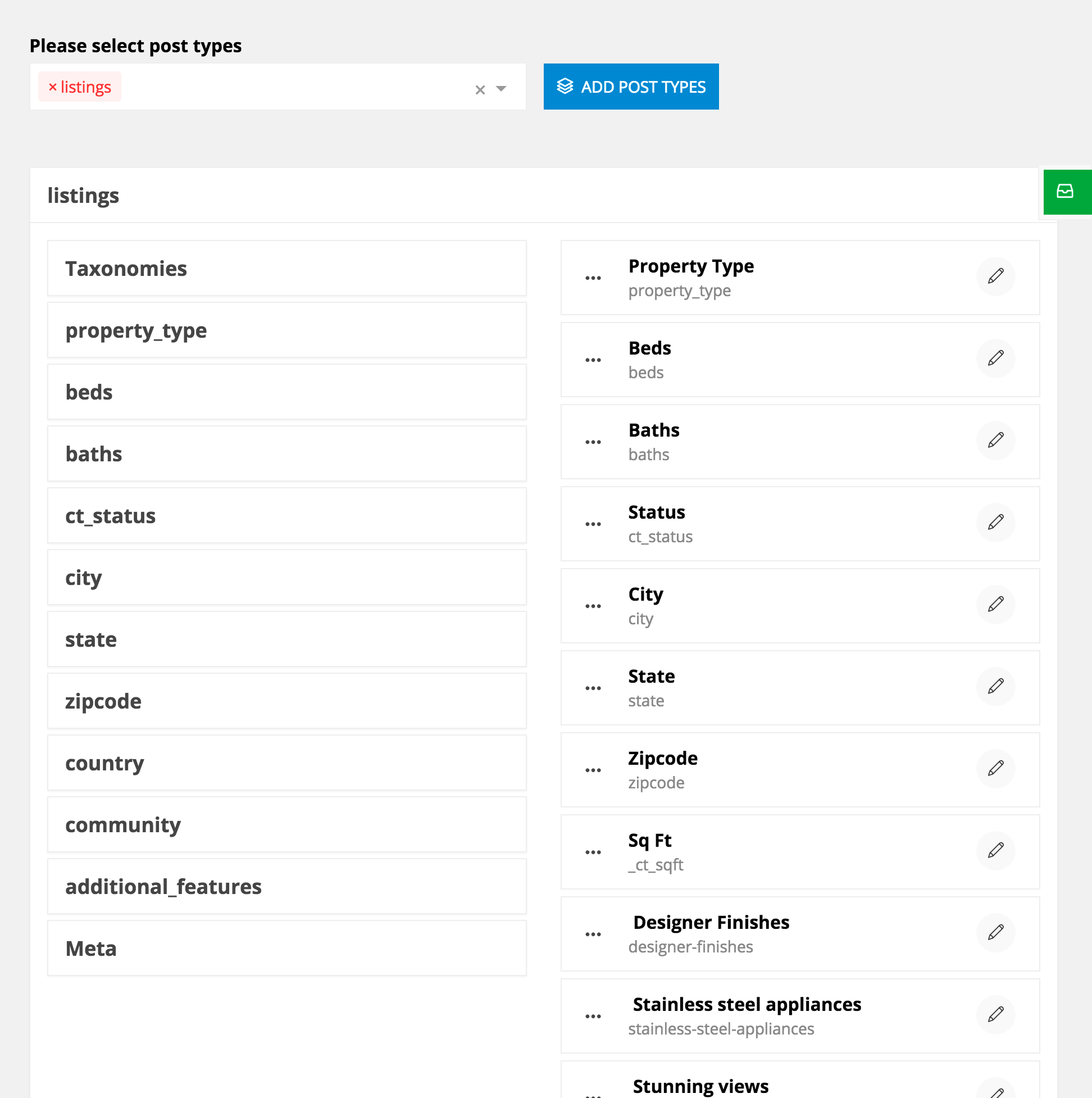
- Go into Admin > CT Compare
- Enter “Listings” into the “Select post types” field
- Select “Listings” (screenshot)
- Click “Add Post Types”
- Now it’ll be added below, click the white bar
- Click Taxonomies
- Select all the comparison fields you’d like (screenshot)
- Find and hover the green tab on the right of your window
- Save, and you’re all set there.
2. Widget
- Go into Admin > Appearance > Widgets
- Find “CT Compare”
- Add it to the Compare sidebar
- Select your “Compare” page from the Page ID option
- Save, and you’re all set.
If you’d like to remove the compare functionality all you need to do is deactivate the Contempo Compare Listings plugin, and you’ll be all set.